
What is a Customer Based Audience ("CBA")?
Customer Based Audiences are the bedrock of every winning campaign. These audiences are created based on past "known" customers in your store.
Advertisers will often create CBAs as a source list for other audiences like Lookalikes. But they also offer value in and of themselves when advertisers want to retarget a specific segment of their customer base.
How to Create a Customer Based Audience With SyncTap
1. Name your audience
Give your audience a descriptive name that is easy to recognize within the ads manager.

2. Choose Your Targeting Criteria
SyncTap makes it easy for you to be creative and build valuable target audiences. Choose the criteria you want for your targeting. In this example, we're choosing "All Customers". However, you may also decide to add multiple criteria to create a more granular segment.

Here is an example of combining multiple criteria for targeting:
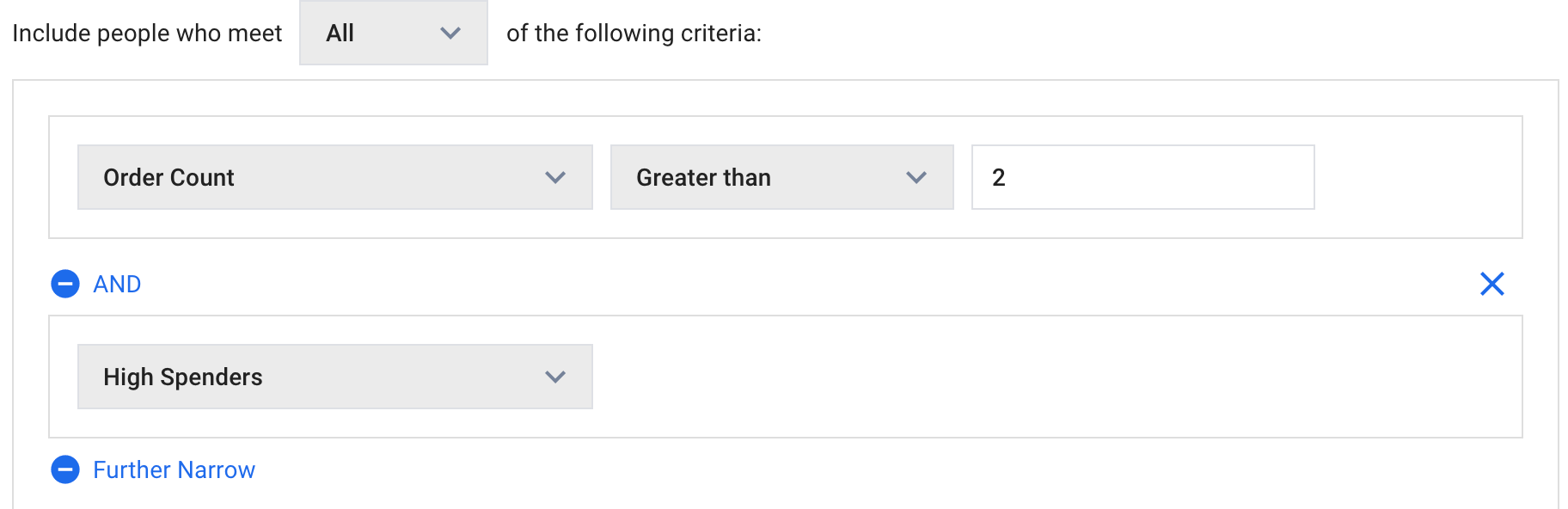
In this example, we've created an audience of past customers who have purchased more than twice AND have an above average order value ("high spenders").
NOTE: Don't make the mistake of creating too small of an audience. Typically, any audience under 100 people won't get delivery on Facebook. Audiences of 1,000+ are optimal.
3. Create Your Audience
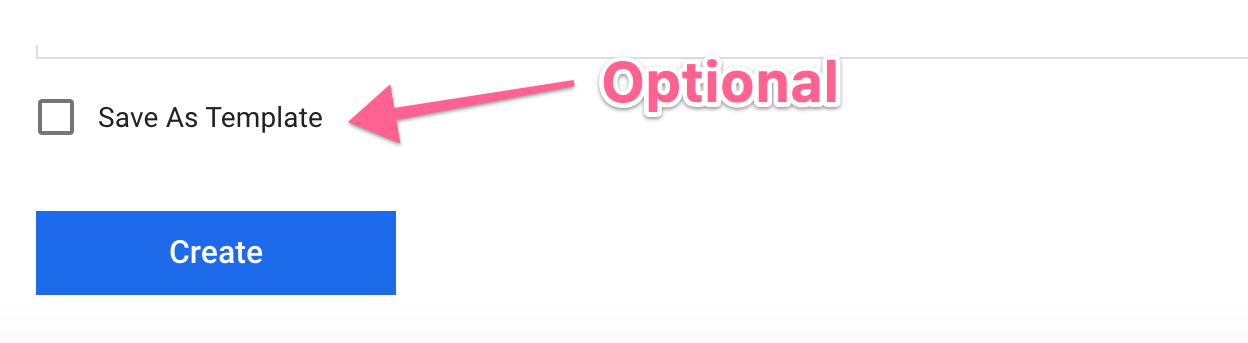
Once the targeting criteria is set for your target audience, click the "create" button. Optionally, you may choose to save the audience as a template for future use.
Comments
0 comments
Please sign in to leave a comment.